What I Use for iPhone App Development in 2026
iPhone dev tools roundup. The apps I keep in my Dock.

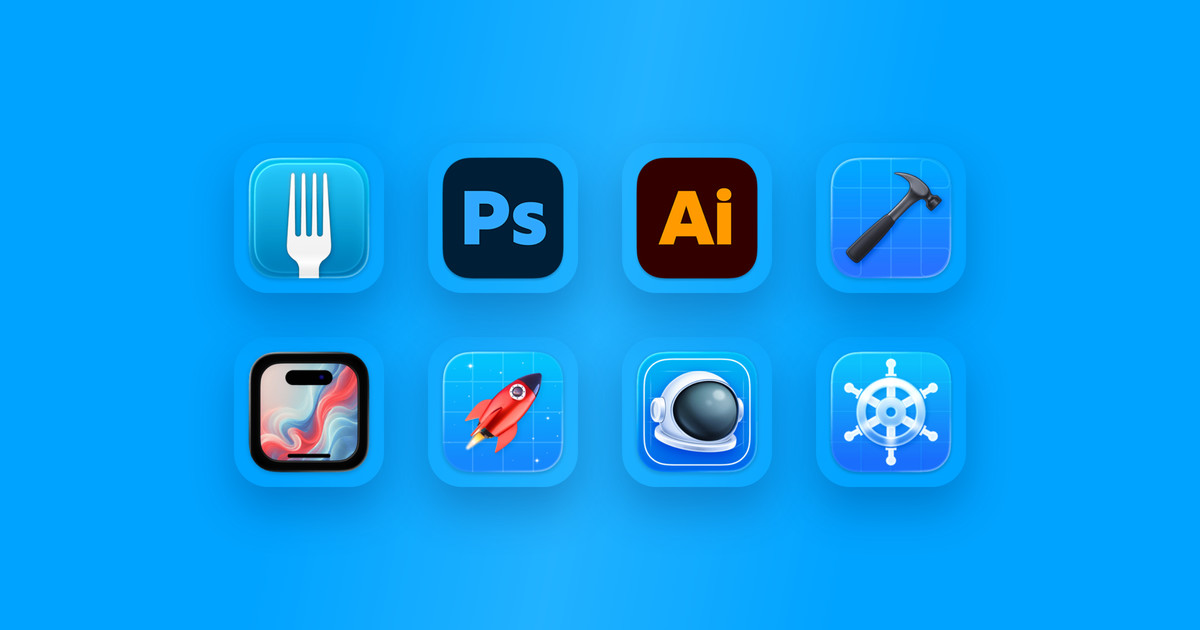
These are the apps I use every day as an iPhone app maker, which I’ve been doing since 2008. Some I’ve been using that whole time, through all their versions and feature explosions, others are more recent additions. These aren’t the only tools I use when making apps, but I always have these in my Dock. I also build web applications and marketing microsites, and use a whole host of other apps for that; that’ll be another roundup.
 Fork
Paid
Fork
Paid
Nearly every new project idea starts with a name and a Git repo, which I manage in Fork. It’s a paid app, but it’s a very good app, made by some very generous people who have been providing free updates for years. I used to use BitBucket and SourceTree until GitHub made private repos free (though now I pay for GitHub, I guess that’s how they get you).
 Photoshop and Illustrator
Paid, subscription
Photoshop and Illustrator
Paid, subscription
I started out as a designer, and I’ve been an Adobe product user for much longer than I’ve been an iPhone developer. The Photoshop and Illustrator combo is still the greatest for making app icons, marketing graphics, and illustrations. I think the Smart Object is one of Adobe’s smartest inventions.
Note: for a few years I had switched to mostly using Figma, but now I only use it when I’m working with designers, e.g. on consulting projects.
 Xcode
Free
Xcode
Free
I’ve been using Apple’s IDE (integrated development environment) nearly every day since Xcode 3.1 in 2008, which had the iPhone OS 2.0 SDK. Xcode is a code editor and a suite of applications which includes a handful of separate tools like the Device Hub (née Simulator) and Instruments, an app performance analysis tool which you should definitely be running against your apps before you launch to customers. A lot of capability is built-in to Xcode, but there was a time when Xcode was less integrated, and had a separate application for building your app’s user interface called Interface Builder.
I started building my very first iPhone app, MASH, using my wife’s white Intel MacBook. Not being able to have both Xcode and Interface Builder onscreen side-by-side on that tiny MacBook screen to make outlet connections from code to UI is what made me buy my first MacBook Pro. And after the app’s sales started to take off, I bought an LED Cinema Display, so I could have plenty of space. (That display still works! It still has great color. It’s become a hand-me-down for one of my kids to connect his gasp Microsoft Surface notebook to.)
Now Xcode has everything from a 3D renderer to built-in debugging tools like the memory graph and view hierarchy debuggers.
 Framous
Paid, subscription
Framous
Paid, subscription
Framous is a deceptively simple and amazing app for quickly generating screenshots framed in Apple devices. The developer, Charlie Chapman, has even been working on adding iPhone Duo framing support with the ability to put it in different poses, like the book pose.
 RocketSim
Paid, subscription
RocketSim
Paid, subscription
RocketSim is a companion app for the iOS simulator that gives it incredible powers for screen recordings, testing accessibility, deeplinks, push notifications, network traffic inspection, and more. If you work on a camera app, you can even use it to test capture behavior without having to build to your physical device. Revolutionary. The developer of RocketSim, Antoine van der Lee, also runs one of the highest quality newsletters for Apple devs, and has a blog filled with deep knowledge about iOS and Swift. And he has a new app in the works that’s currently in beta called RocketTrace, which is a companion for Xcode Instruments that turns dense traces into ranked leads for where to look first.
 Proxyman
Free, with paid features
Proxyman
Free, with paid features
I use Proxyman to debug network traffic from my apps, and also to simulate and script requests and responses. That’s especially important for rapid iteration, allowing me to build client code when a web service isn’t ready yet, or to fake network errors and unexpected responses to validate that UI handles different scenarios properly.
 Helm
Paid, subscription
Helm
Paid, subscription
Helm is the newest app in my tool belt. For about six years, outside of my consulting work, I’d been trying to build an event tech startup with a friend and had been neglecting my own apps like SketchParty TV. That segued into doing contract work for an agency building ad campaign games and microsites for huge companies. Two years ago, though, I finally admitted I was burned out, and took a step away from that to focus on consulting, which pays the bills, and my apps, which funds my annual Apple hardware purchases.
While Apple has made massive year-over-year improvements to App Store Connect (when I started it was iTunes Connect, having been built on the rails of the music store), managing all my apps through a web browser was unwieldy. There’s a ton of metadata to create and update with every app launch and version bump. Helm makes it easy.
 Bonus: Xcodes
Free
Bonus: Xcodes
Free
What happens when Apple releases a beta version at WWDC and you want to try out the new stuff, but you still have to ship updates of your own, and they aren’t accepting builds from the beta, and you need to keep your copies of Xcode straight? Xcodes is the answer. It’s an app for downloading and installing multiple versions of Xcode on the same machine. Make the beta one active, test drive new APIs, then drop back to your daily driver version. It’s better than using the App Store alongside manually downloading betas, and the downloader it uses is insanely fast. I recommend this app to every new (and some old) iOS dev I work with.
I hope you enjoyed a little insight into what I use every day to make apps. I use plenty of other software, too, like Final Cut and Blender, but those I use less frequently.
What do you use? Feel free to follow me on Threads and let me know!