Introducing ProofRoll: Photo Reports and Before & Afters for Every Job
My new iPhone app for service pros. Take job photos, track your time on site, and send a branded PDF report before you leave the driveway.

While I spend my 9-to-5 time as a software consultant advising and writing code for large companies, my side hobby is making family-friendly games for Apple platforms. I started building my first iPhone game in July 2008, launched it in January 2009, and it ended up making more in six months than I’d made in the first two years of my career.
That led to doing side projects as a mobile app consultant for universities, startups, and international companies. Those projects were always done work-for-hire, and that was ok. If I wanted to build my own products, I could just make games.
Then, I got an email from a company that had a subsidiary doing freight railcar maintenance. A crew foreman would need to take photos to show progress to their clients, and they were using texted/emailed photos to add to Word docs, which was done by someone else back in the office. It was slow and unwieldy, so they wanted to make an app, and they found me.
However, after some negotiating, they decided not to move forward with the project. They told me they were actually winding down that side of their business. It was disappointing, because I knew I could help them make their process better.
I realized, though, that something like this would be useful for more than just one industry. An app that could capture before-and-after photos and generate reports in the field could be useful for all kinds of work. At the time we’d been having painting and other work done at our house; that was an industry. So I decided to build the app anyway.
The app is called ProofRoll™.
What is ProofRoll?
ProofRoll is for general contractors. But it’s also for landscapers, pool and spa pros, and about a dozen other trades. If you’re in one of those fields, your camera roll is probably a mess. You have hundreds of photos of other people’s yards and attics mixed in with photos of family and pets.
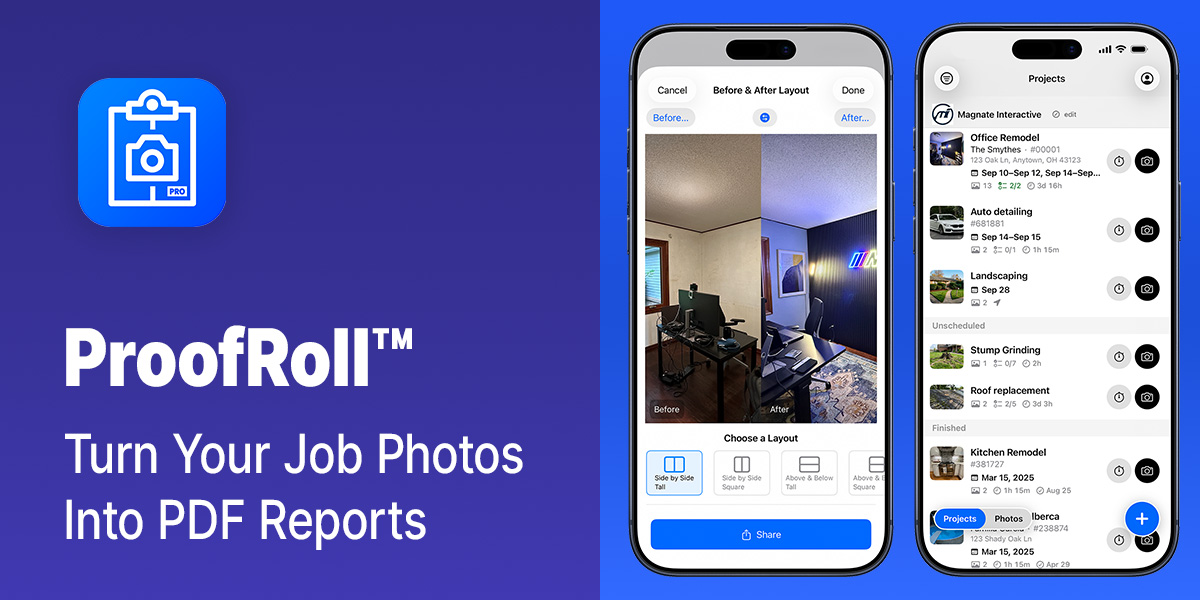
ProofRoll fixes that. You make a project for each job, take your photos using the app, and they stay with the project. When the job is done, you tap the “Generate Report” button and get a PDF report with your logo and company details on it. You can send it to the customer right from their driveway.
The other big piece is Before & Afters. Pick two photos, or let ProofRoll identify the pairs automatically, and it lays them out side-by-side, or stacked, in a handful of layouts sized for sharing. There’s also a Ken Burns-style animated version, if you want something for Instagram or Facebook.
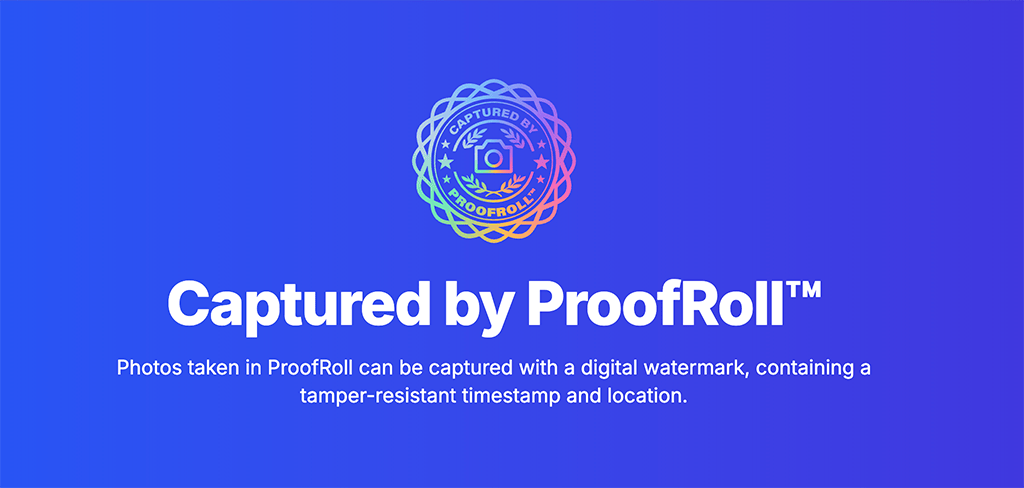
Captured by ProofRoll™
Photos taken in ProofRoll can be captured with a digital watermark, containing a tamper-resistant and verifiable timestamp and location.
A photo report is most useful when the person reading it trusts it. A photo with a sealed capture time and GPS location says “this was taken here, at this moment, and it hasn’t been modified.” It’s the proof part of ProofRoll.
If you have a Pro iPhone you can also choose to shoot in Apple ProRAW. You can selectively delete the RAW file(s) later to save space.
Time Tracking, Geofenced
ProofRoll also tracks your time on site, per project. Start a timer when you get to work and it shows up as a Live Activity on your Lock Screen and in the Dynamic Island, with a shortcut to grab a photo auto assigned to that project.
It also has geofenced time tracking. Set a job site location on the project and the timer starts on its own when you arrive, so you don’t have to fumble with your phone while you’re unloading the truck. You can also export your time history as a CSV for Harvest, QuickBooks, or whatever you use for invoicing.
Photo Checklists
Every trade has a set of shots you should get on every job. Roofers need to take pictures to write the estimate, pictures to communicate progress, and pictures when the job is finished (ideally, for possible future claims). ProofRoll ships with a roofing preset. It also lets you build your own checklists, for any kind of work.
Checklists can be grouped into section phases, so you can set up “Quote/Estimate”, “Job Progress”, and “Job Completion” sections and see a progress bar fill up as you go. And the checklist can be included in the PDF report, so the customer can see how much is really involved.
And So Much More
- Works offline. Reports generate right on the phone.
- Searchable projects, sortable by customer, title, or date.
- Report types for insurance claims, site visits, and field reports.
- Photo annotations and sketches with Apple Pencil or your finger.
- Calendar sync and scheduling for jobs.
- The whole interface is in Spanish as well as English.
- Siri voice shortcuts: “Start a timer in ProofRoll” or “Take a photo in ProofRoll.”
Take a look at the changelog if you want to see how fast it’s been moving. I’m adding new features all the time.
What’s in a Name?
If you downloaded the app earlier this year, it was originally called SnapFlow Pro. Your projects and photos stay intact.
Try it Today
ProofRoll is free to download. You can take photos (without the ProofRoll seal) and track time without creating an account, and you get three free report or Before & After shares before it asks you to subscribe.
Send a photo report for every job. Get ProofRoll on the App Store.